
Why Periti

Customer-Outcomes driven

Our focus is on ensuring that your systems, platforms and processes support you in doing business how you want to serve your customers.arrow

HubSpot Centric

Having deep expertise in HubSpot and other core business systems enables us to integrating and customize your tech stack seamlessly..arrow


4 min read

Stop Wasting HubSpot AI Credits: A Smarter Automation Strategy for Sales & Marketing Teams

Stop Wasting HubSpot AI Credits: A Smarter Automation Strategy for Sales & Marketing Teams
7:55

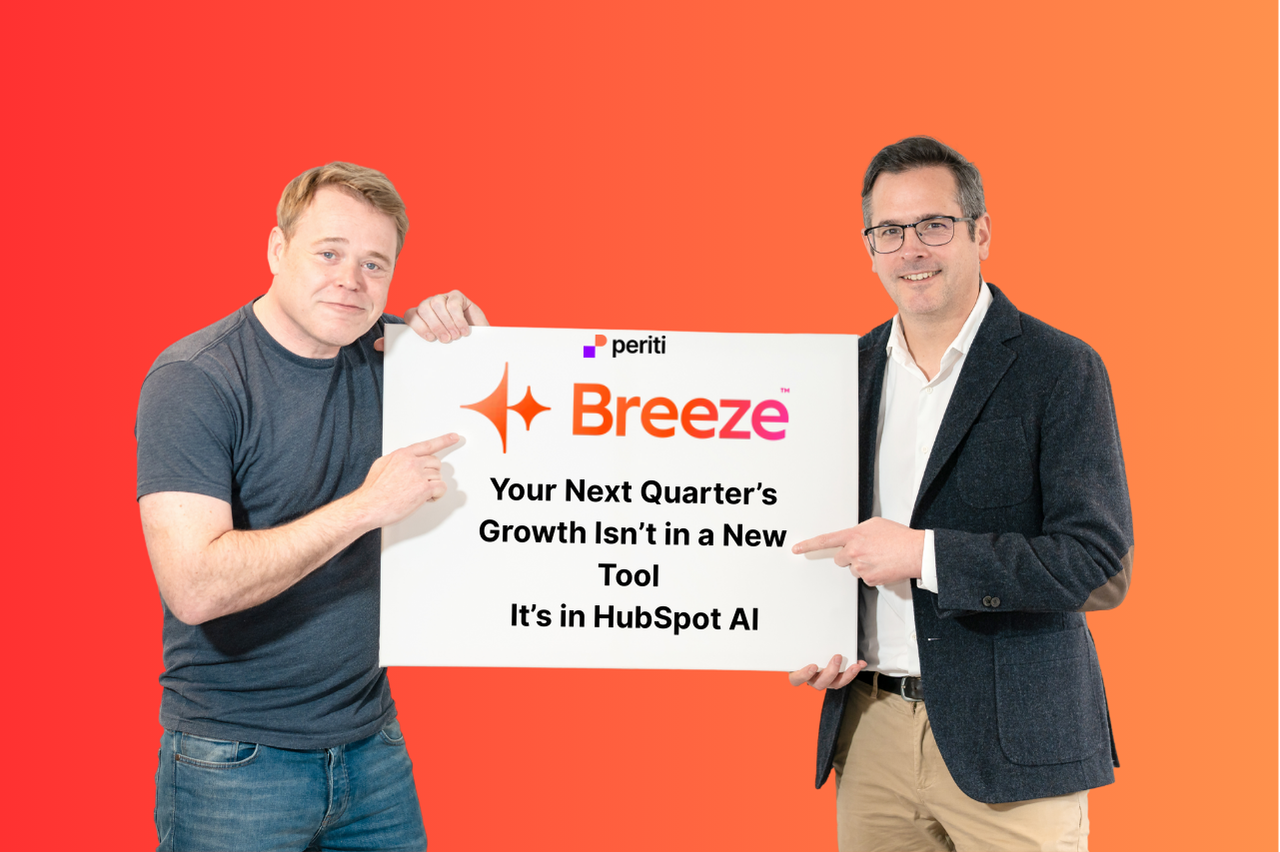
If you're managing a busy sales or marketing team, you already know the pressure: more leads to process, more content to produce, more follow-ups to send, and never quite enough hours in the day. HubSpot's sales automation and marketing automation tools promise to change that equation, but to get the most out of them, you first need to understand what's fueling them: HubSpot AI Credits, powered by Breeze (HubSpot's built-in AI suite).


What Are HubSpot AI Credits, Exactly?


HubSpot Credits are the usage-based currency that powers HubSpot's most advanced AI features. In other words, they're what do the heavy lifting so your team doesn't have to. Credits are included with any of the following HubSpot subscriptions (Starter, Professional, or Enterprise tiers):

Credits are consumed when specific, AI-powered actions are performed, such as executing a Breeze action in a workflow, or when an automated or recurring action runs. Key features that draw on your credits include:

The number of credits included in your account is determined by your highest HubSpot subscription tier. If you need more, additional credits can be purchased as needed. HubSpot also surfaces Credits icons throughout the platform to help you quickly identify which features consume credits, and their Products & Services catalog details exactly how many credits each feature uses.


How to Optimize HubSpot AI Credit Usage for Maximum ROI


Having access to AI credits is one thing. Using them strategically requires a whole different skill set. Here's how sales and marketing leaders can make every credit count:

1. Prioritize by business impact. Not every AI feature will move the needle equally for your organization. Before enabling AI-powered automations across the board, identify your highest-volume, highest-friction workflows. In other words, what are the tasks or processes eating up the most of your or your team's time? Wherever that is, it's where you should deploy your credits first. Think: lead intake, follow-up sequencing, and content generation. 

2. Restrict access to those who need it most. Credits are a shared resource. Limiting access to AI agents to specific roles or power users ensures that credits flow toward revenue-generating activities rather than exploratory use. Assign access intentionally, and revisit permissions as your team's needs evolve.

3. Monitor HubSpot credit usage proactively. HubSpot allows you to track credit consumption directly within your account. Set up alerts to notify you before you approach your limit — this prevents unexpected overages and gives you time to adjust workflows or purchase additional credits before any disruption occurs.

4. Purchase additional credits when the ROI is clear. If you're hitting your credit limit because a particular automation is genuinely saving your team hours each week, that's a signal, not a problem. Top up with additional credit packages and scale what's working.


How HubSpot Breeze AI Helps Sales & Marketing Teams Work More Efficiently


Once you've got a handle on your credit budget, here's where to focus your investment for the biggest efficiency gains:

Breeze Customer Agent takes routine support questions off your team's plate entirely, deflecting common inquiries and freeing your service reps for the conversations that actually require a human touch. Less ticket volume and faster response times mean happier customers.

Data Agent is a game-changer for prospecting teams. It auto-populates fields on prospect records and can match leads against your company's Ideal Customer Profile (ICP) — so your reps spend time on the right opportunities, not on manual data entry. If you missed Periti's recent webinar, it's worth a watch for a deeper dive into how Data Agent can sharpen your top-of-funnel process.

Prospecting Agent helps reps with AI-powered prospecting, researching and engaging leads faster by surfacing relevant context so outreach feels timely and personalized, at scale.

Content Hub's AI tools help marketing teams produce blog posts, emails, and social content faster without sacrificing quality, keeping your pipeline of content flowing even during your busiest quarters.


Frequently Asked Questions About HubSpot AI Credits

 
Q: Do unused HubSpot AI Credits roll over from month to month?

No, HubSpot Credits typically do not roll over. Unused credits expire at the end of each billing period, which is another reason it pays to be intentional about how and where you deploy them. Planning your automations around your highest-impact workflows ensures you're getting full value each cycle rather than letting credits go to waste.


Q: How do I know which features are consuming the most credits in my account?

HubSpot provides credit usage monitoring directly within your account dashboard. You can see a breakdown of consumption by feature, which makes it straightforward to spot where your credits are going and whether that usage aligns with your priorities. Look for the Credits icon throughout the platform, it flags any feature that draws on your balance before you activate it.


Q: What happens if my team runs out of HubSpot AI Credits mid-month?

If your account exhausts its included credits, credit-dependent features (like Prospecting Agent or Data Agent automations) will pause until credits are replenished. This is why setting up usage alerts before you hit your limit is so important. You can also configure overage settings within HubSpot to automatically purchase additional credits so workflows aren't interrupted during a critical campaign or sales push.


Q: Can I control which team members have access to AI credit-consuming features?

Yes, and you should. HubSpot allows admins to restrict access to AI agents and Breeze-powered features by user role or permission set. For most organizations, it makes sense to limit access to the team members who rely on these tools most heavily, such as your top sales reps, marketing ops leads, or revenue operations managers, rather than opening them up account-wide.


Q: We're already using HubSpot but haven't touched AI features yet. Where should we start?

Start with the workflow that costs your team the most time. For most sales and marketing organizations, that's either lead enrichment and ICP matching (where Data Agent delivers fast ROI) or content production (where Content Hub's AI tools can dramatically speed up output). If you're unsure where your biggest opportunity lies, Periti can help you assess your current HubSpot setup and build a prioritized plan for AI adoption.


Ready to Make the Most of Your HubSpot AI Credits?


Understanding your credit allocation is just the starting point. The real value comes from aligning your AI usage to your team's specific goals, and knowing which levers to pull to get there.

Try Periti's HubSpot AI Credits Calculator to see exactly how your current usage stacks up and where you might be leaving efficiency on the table.

And if you want expert guidance on maximizing your HubSpot ROI, get in touch with the team at Periti. As a certified HubSpot partner agency with deep experience across sales, marketing, and service organizations of all sizes, we specialize in HubSpot implementation and helping teams like yours work smarter, not harder. The right HubSpot consulting partner doesn't just help you use HubSpot; they help you unlock everything it's capable of.